Skip to main content
Allow support to log in as your user account
What is before you start?
- You need administrator or client owner rights.
- Have the email address of you whose account will be accessed ready to share with support.
How do I grant support login access?
- In Handyman Office, go to Settings → System.
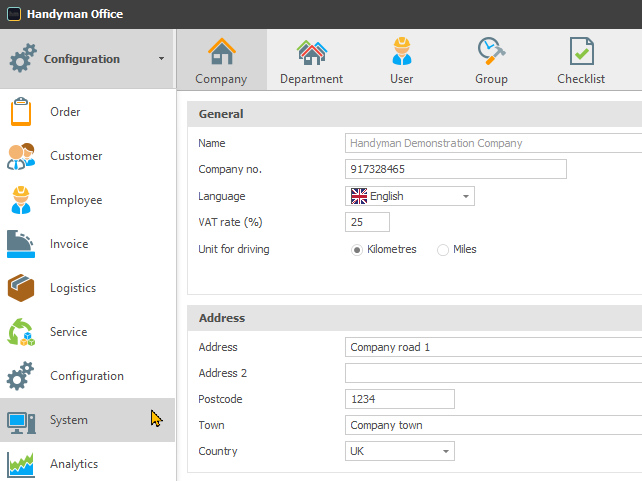
- Open the Access Control menu.
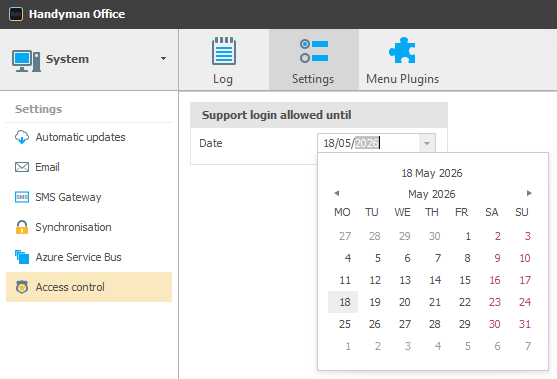
- Set the duration for which support is allowed to log in.
- Share the relevant user's email address with the GSG Handyman support agent. No password is needed.